





Microsoft Project Professional 2016 enables you to organize tasks in a significant manner with Resource Management and Resource Capacity Planning. Irrespective of what type of project you manage, this cloud-based solution will always be cognizant of constantly evolving work. This newcomer brings an enhanced user interface, flexible timelines, and better resource scheduling, so you can have better control over your project and deliver it successfully, on time. Irrespective of where you are and which device you use, the new features and functionalities of Project Professional 2016 allow you to stay connected with your team, delivering projects effortlessly. You can share the latest status, conversation, and project timeline with better integration between Project and Office 365 providing an end-to-end optimized resource utilization experience.
The enhanced features of Project Professional 2016 that will make the life of a project manager simpler include:
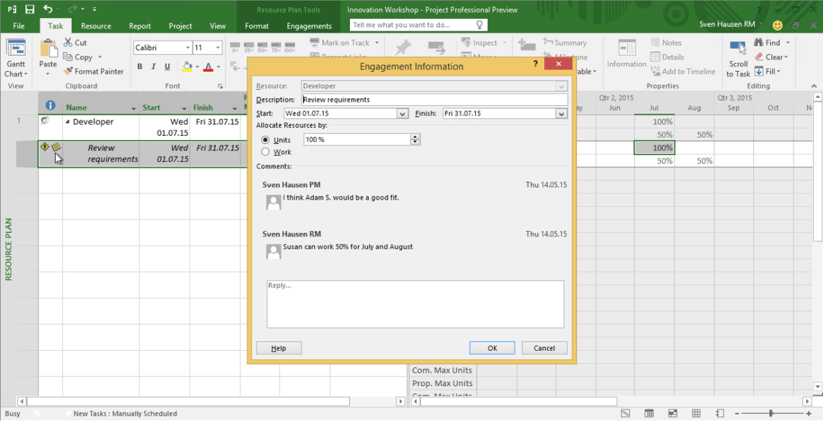
Resource Engagement
Resource engagement offers better control over resource management. Securing resources that have limited availability and cannot be assigned easily, and ensuring your project is properly staffed ensures optimum resource utilization and helps you anticipate change. Features for engagement request, resource manager approval, and resource assignment for the project guarantee resources are available at the right time.
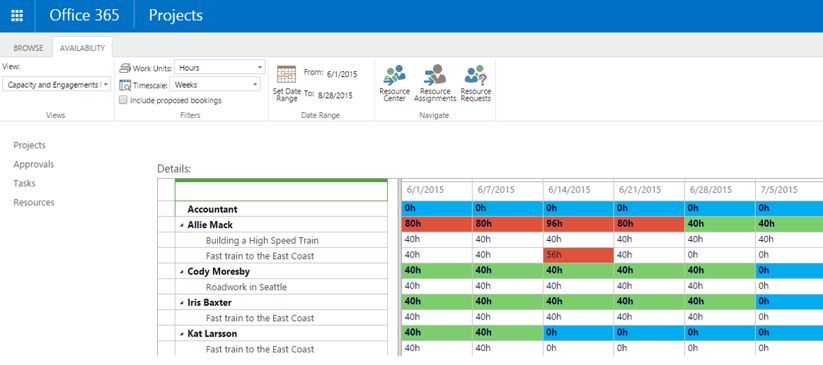
Colorful Heat Maps
Heat maps help in speeding up the decision-making process by ensuring resources are properly utilized and productive. With colorful task differentiation and intuitive reports, project managers can take a quick look at the resource allocation (under and over utilization), even with large data volumes and complex project dependencies.
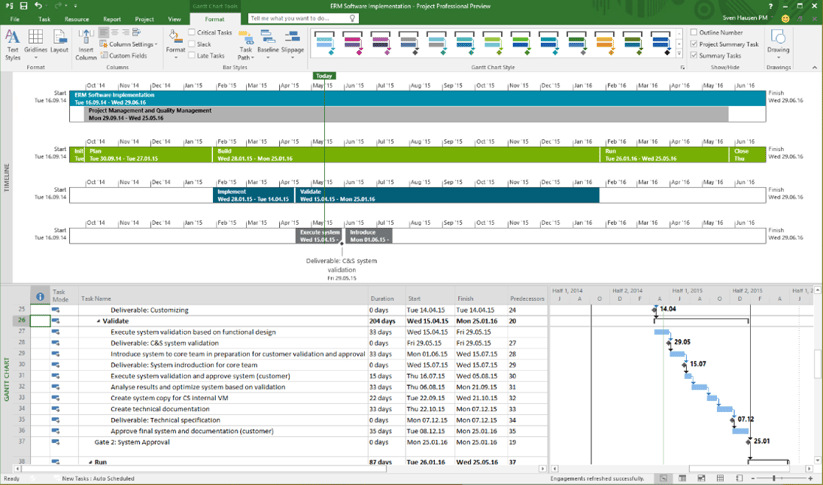
Multiple Visual Timelines
With a greater amount of flexible timelines in this tool, you can differentiate between various phases or categories of tasks, and can also set the start and end dates for each timeline separately, giving a clear picture of the work. Multiple time bars for a project that lie on top of each other help improve efficiency and prioritization by communicating how a project’s lifecycle lays out.
Simplified Search with “Tell Me”
A new entry field "Tell me" on the menu bar simplifies search by integrating a new search box directly into the interface. It reduces the time required to search for rarely used functions. For example, "Change the Start Date" brings options for you to modify the schedule right from the results with a live button. Clicking on the results takes you to the exact place you want to go, which can be a huge time saver.
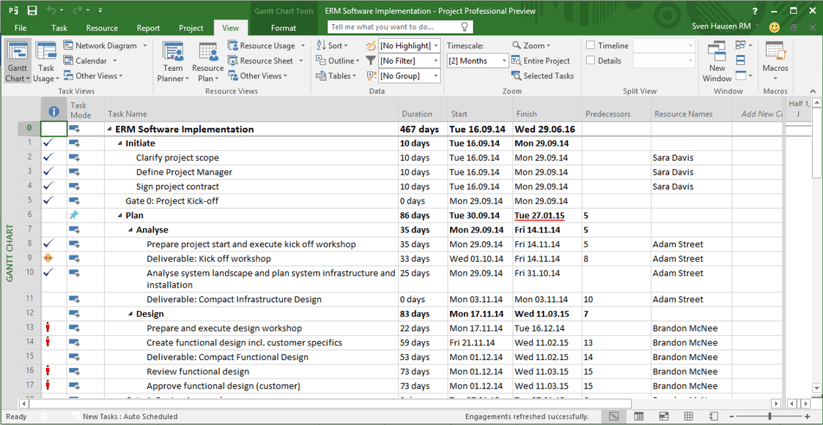
Microsoft Project Professional 2016 gives you powerful new ways to effectively manage important projects. Unlock easy collaboration capabilities to quickly start and deliver winning projects while leveraging the power of Office 365 or SharePoint to work from virtually anywhere. You can install Project on multiple PCs and/or can even temporarily install it on kiosk computer systems while you’re on the go. The tool works seamlessly with Office, Office 365, SharePoint, and Skype for Business and improves everyday collaboration helping you communicate in real time.
Here’s a limited period offer when you purchase your O365 licenses with Indusa in June 2016. Click below to learn more.

|
|
About the Author - Neha Kumar Neha Kumar is a digital media evangelist and marketing professional. She overlooks Indusa’s content management, social media, online events, email marketing, blogs, digital campaigns, lead generation and inside sales activities on a broader scale.
|